
Browse the past.
Open any snapshot, find the message you need, and inspect attachments without importing an entire archive.
Email backup for Mac
Back up Gmail, iCloud, Outlook, and any IMAP account to your Mac or storage you control. Horcrux 5 can maintain complete copies in more places.
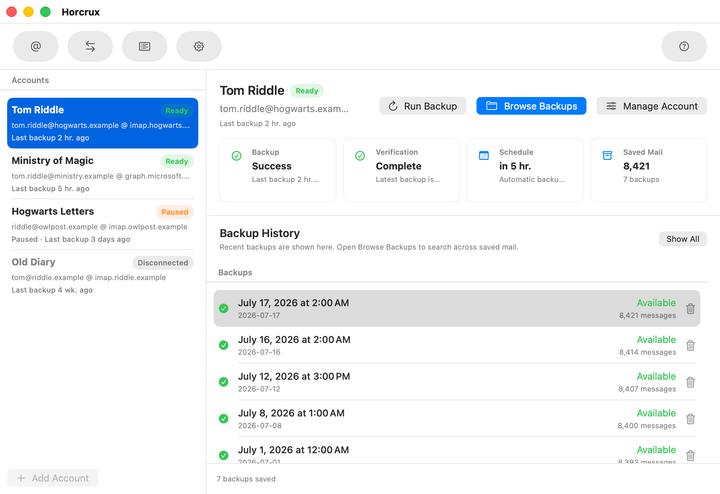
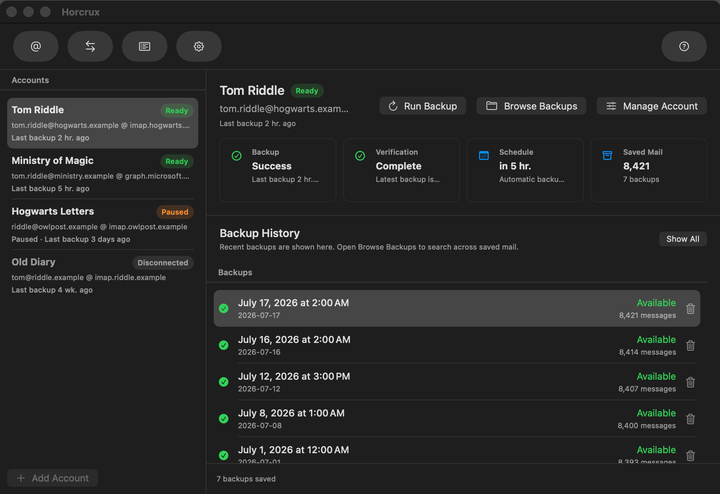
One private archive for all your inboxes
Email sovereignty
Providers change, accounts get locked, and important messages are deleted by accident. Horcrux keeps an independent, usable copy on your own storage.
Why Horcrux existsSet it once. Stay protected.
Horcrux runs quietly in the background and gives you a clear answer to the only question that matters: is my email safe?
Choose a schedule and Horcrux does the rest. See what is being saved, when the last backup completed, and whether your archive passed verification.
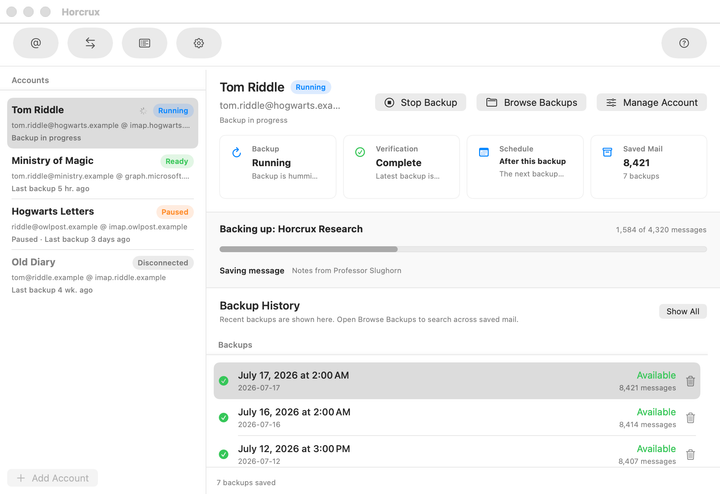
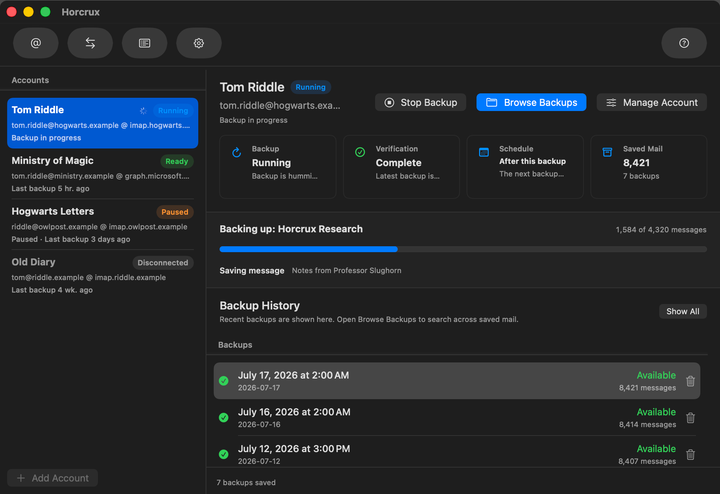
Open any snapshot, find the message you need, and inspect attachments without importing an entire archive.
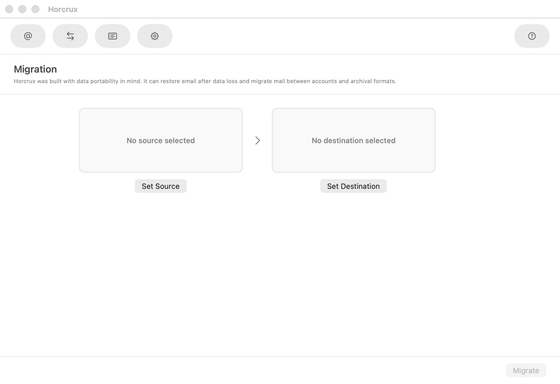
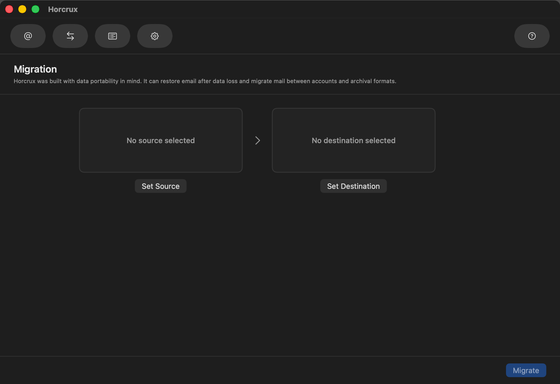
Move messages back to an account, migrate between providers, or export standard files that remain useful without Horcrux.
Included in Horcrux 5
Keep a complete local backup, then let Horcrux 5 maintain extra copies in other places. If a drive, server, or provider fails, another copy is already waiting.
Horcrux 5 keeps each additional copy in sync.
Local means local
Your local backup lives on your Mac, external drive, or NAS. Account credentials stay in Apple Keychain. Horcrux connects your mail provider directly to storage you choose.
Read our privacy promiseNo Horcrux cloud in the middle
The long view
Pay once or support Horcrux annually. Either first payment permanently unlocks Horcrux 5; annual renewals fund continued maintenance and private support.
Messages are stored in the open .eml format with readable backup history, not a proprietary vault that only Horcrux can understand.
A fallback restore script keeps the archive useful even if the Horcrux app, or Horcrux itself, is no longer around to help.
One-time purchases and voluntary annual supporters both help keep Horcrux current without making continued app access depend on renewal.
“Horcrux is handy since you don’t actually have to think about it when it’s running.”
Lifehacker
Take back your inbox
Try every feature free, then pay once or support Horcrux annually. Keep version 5 permanently either way.